A two-year-old scanner will still read a two-year-old car perfectly well. What it may not do is recognize a car built since. That is almost never a firmware problem; it is a vehicle coverage problem, and the two are separate updates that arrive through different channels and matter for different reasons. Knowing which one you are missing is the difference between a five-minute fix and a tool that has quietly reached the end of its useful life.
Firmware and coverage database: two different updates
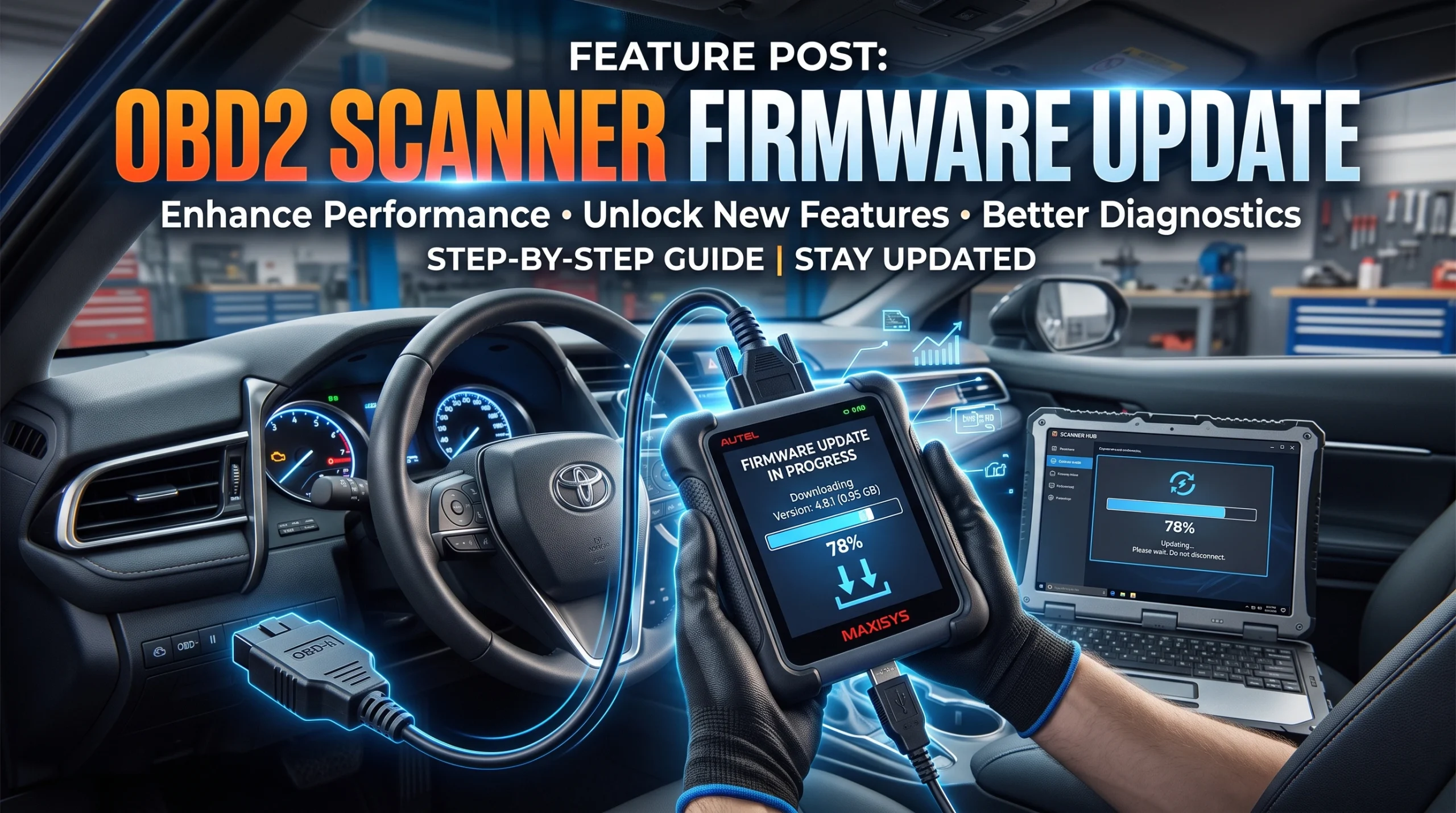
Firmware is the software running on the tool itself. It governs how the device behaves: the menus, the connection handling, bug fixes, occasionally support for a new communication protocol. Firmware updates are usually infrequent and usually free.
The vehicle coverage database is the tool's knowledge of specific cars: which makes, models and model years it recognizes, which systems it can reach on each, and what manufacturer-specific codes mean. This is the one that ages, because new vehicles arrive every year and someone has to document each of them. It is also the one most likely to sit behind a renewal, and the structure of that is set out in what scanner subscriptions actually cover.
The practical distinction: if your tool misbehaves, look at firmware. If your tool works fine but does not know your car, look at coverage. The two-dimensional nature of coverage, which vehicle and which system, is covered in scanner brand coverage.
There is a third case that neither update fixes. If a vehicle uses a diagnostic protocol the tool's hardware cannot physically handle, no software will resolve it, because the limitation is in the silicon. That case is explained in the protocol your scanner has to speak.
How updates usually reach the tool
Roughly four patterns, and which one you have is worth knowing before you buy rather than after:
- Over the air, on the tool itself. Tablets and connected devices generally handle their own updates over Wi-Fi. Easiest by a wide margin.
- Through a phone app. Common for dongles, where the app updates itself through the store and pushes adapter firmware when needed.
- Through a computer and a maker's utility. Common on mid-range handhelds. Reliable, but it means a cable, a specific application and sometimes a specific operating system, and this is where tools most often go un-updated because it is a chore.
- Not at all. Plenty of very cheap readers have no update path. That is not automatically a problem, since the generic code set is defined by the standard and does not go stale, but it does put a ceiling on the tool.
If your setup is a phone plus adapter, the app side of this is covered in OBD2 apps compared.
What happens when a tool stops being supported
This is the part nobody advertises. Support ends quietly. There is no message on the screen and no notification; the tool simply keeps doing exactly what it did yesterday while the world's cars keep moving.
The symptoms are indirect and easy to misread:
- The tool does not recognize a recent vehicle, or recognizes it but offers a reduced set of systems.
- A manufacturer-specific code comes back as a number with no description.
- The update utility reports no updates available, month after month, on a tool that used to receive them.
None of that looks like a discontinued product from the driver's seat, which is why people conclude the tool is faulty. Before buying, it is worth checking how long the maker has supported previous generations, and treating that history as the best available guide to what you are buying.
Updating without breaking the tool
Firmware updates are write operations, and write operations have one genuine risk: an interruption partway through can leave a device in a state it cannot recover from on its own.
- Do not interrupt an update. Not by unplugging, not by closing the utility, not by letting a laptop sleep. Disable sleep on the computer first if you are updating over a cable.
- Make sure the tool is powered properly. Some handhelds want to be connected to the vehicle or to mains power rather than running on a partial charge.
- Do not update in the car with the engine off if the tool takes its power from the port and the update is a long one. The car's battery is not what you want carrying that risk.
- Read the release notes before applying. Occasionally an update changes behavior you were relying on, and occasionally a known issue is worth waiting out.
- Update before you need the tool, not on the day. An update that goes wrong on a Saturday morning leaves you without a scanner for the job you sat down to do.
The same caution applies more strongly to updating a car's modules rather than the tool, which is a different operation with much higher stakes and is not something to attempt over an unreliable connection.
FAQ
How often should I update my OBD2 scanner?
Check for coverage updates once or twice a year, and apply firmware updates when the maker publishes them and the release notes suggest a reason. There is no benefit in updating more often than the maker releases.
Does an older scanner stop working on new cars?
It does not stop working, but it may not recognize vehicles introduced after its coverage database was last updated, and it may show manufacturer-specific codes as numbers without descriptions. A separate issue arises if a newer vehicle uses a protocol the tool's hardware cannot handle at all.
Are scanner updates free?
Firmware updates usually are. Vehicle coverage updates are frequently where a renewal applies, though many tools include a period of updates with the purchase.
What happens if a firmware update fails partway through?
Depending on the tool, it may recover on retry or it may need the maker's support to restore. This is why an uninterrupted power supply and a computer that will not sleep matter for the few minutes the update takes.
How do I know if my scanner is still supported?
Check the maker's support pages for your specific model, and treat a long run of no available updates as a signal rather than as reassurance. A maker's track record with earlier generations is the best guide available before you buy.
AutoGearZone does not sell scanners and earns no commission from any brand or tool named here. More on how we work on our about page.