
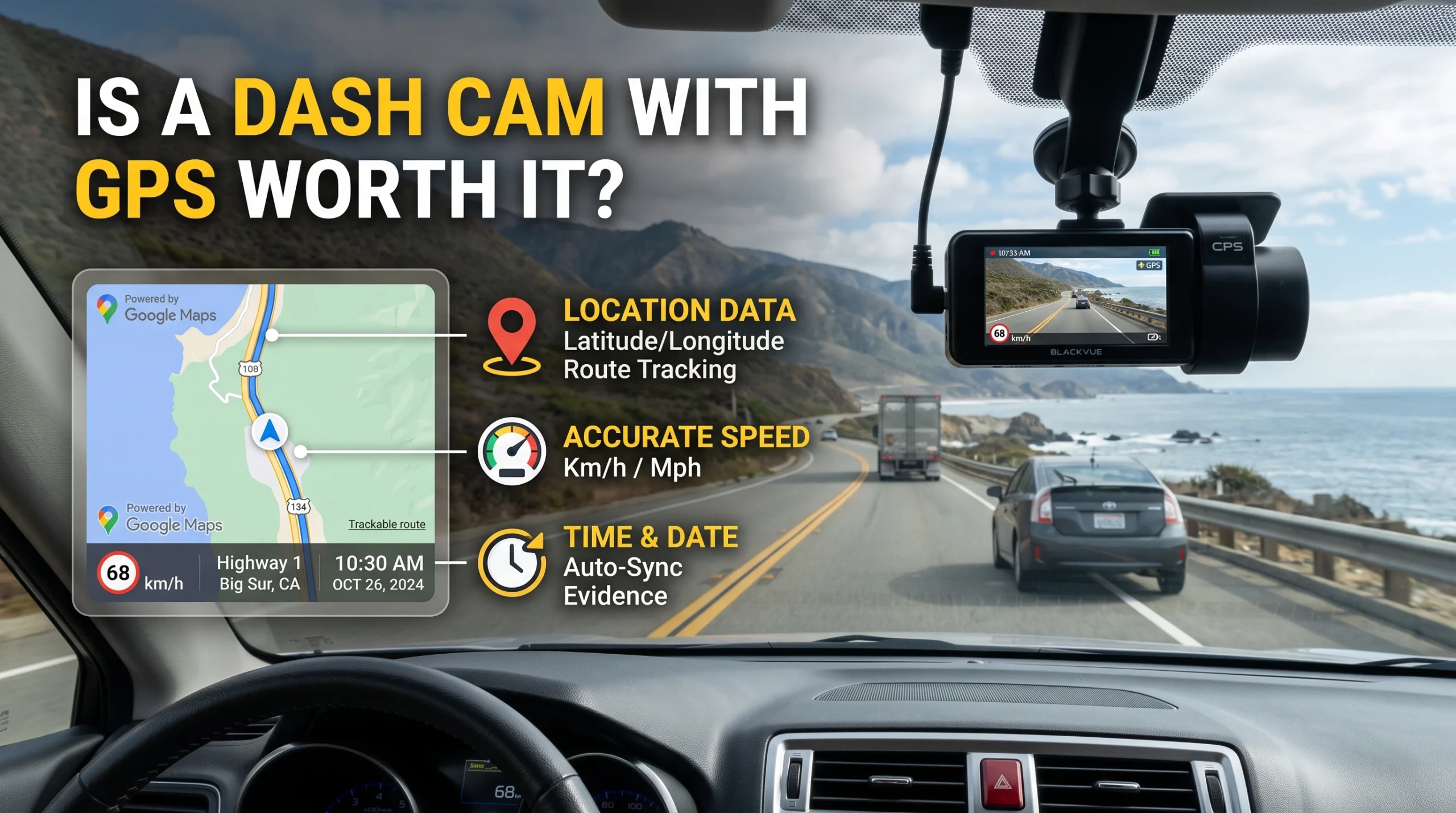
GPS records where you were, how fast you were going and which direction you were heading, and stamps it onto the footage. That turns a video of an incident into a video with a timestamped position and speed attached, which is a genuine strengthening of the record. It is also a record of your own speed, which is the part nobody mentions and the reason some drivers deliberately buy cameras without it.
What GPS actually records
A dash cam with GPS logs a position track alongside the video: coordinates, speed derived from satellite positioning, heading, and a time reference taken from the satellite signal rather than from a clock that drifts.
Depending on the camera and its software, that appears as an overlay burned onto the video, as separate data displayed on a map when you play the clip in the maker's software, or both. Whether the overlay can be switched off is worth checking before you buy, because it is the difference between having the data and publishing it in every frame.
The time reference is quietly one of the more useful parts. Cameras without GPS rely on an internal clock that drifts and resets after a power loss, and a great many clips exist with timestamps that are simply wrong. A satellite-derived time is right.
The case for it
- It corroborates the video. Position and time attached to the footage make it harder to dispute what it shows and when it happened.
- It answers the speed question before anyone asks it. If the other party claims you were speeding and you were not, the data says so.
- It makes the footage findable. Reviewing a long drive to locate one incident is far easier when the software can show you a map.
- It gives you a correct clock, which matters more than it sounds when a clip has to line up with other records.
- It costs little. GPS is commonly included rather than a premium tier, and where it is an add-on module it is usually inexpensive.
The case against, stated honestly
The data is neutral. It records what happened, including the parts that do not favor you.
If you were over the limit when someone else caused a collision, your camera has recorded that too. Footage and its associated data can be requested in the course of an insurance claim or legal proceedings, and once it exists it exists. Some drivers conclude they would rather have video without a speed track, and that is a defensible position rather than a paranoid one.
There is also a privacy dimension. A dash cam with GPS is producing a continuous log of where the vehicle has been, and depending on where you live and on who else drives the car, that may raise obligations or expectations you should think about deliberately. If the camera's data reaches a phone app or a cloud service, that is another party holding it, and the app side is covered in the app is half the product.
We are describing how this data behaves, not advising you on what to do with it. Whether to install a camera with GPS, and what to do with footage after an incident, are decisions to take with your own insurer and, where it matters, your own legal adviser. Our disclaimer applies. One thing worth being clear about: a dash cam is not an insurance telematics device and the two are frequently confused, which we untangle in dash cam or insurance telematics box.
Accuracy caveats worth knowing
Satellite positioning is good but not perfect, and the derived speed is a calculation rather than a measurement of your wheels.
Signal quality varies: tall buildings, tunnels, dense tree cover and multi-storey parking lots all degrade it, and a camera reacquiring a signal can log a position that is briefly wrong. Speed derived from position can lag a rapid change, which means a hard braking event may show a speed that trails what the car was actually doing.
None of that makes the data useless. It does mean it should be read as a good record rather than as an instrument reading, and anyone treating a GPS speed stamp as definitive to the last unit is over-reading it.
How to decide
- If you want the strongest possible record of an incident: buy GPS. It is a real improvement and it is cheap.
- If the speed record makes you uncomfortable: that is a legitimate reason not to, and you should decide it deliberately rather than by accident.
- If you buy a camera with GPS, check whether the overlay is optional. Having the data and burning it into every frame are different choices.
- Do not choose a worse camera to get GPS. Power source, sensor and card decide whether you have usable footage at all, and those come first, as set out in the dash cam buying guide.
- If you carry passengers for work, the recording and privacy questions are broader than GPS alone, and they are covered in cabin-facing cameras for rideshare, family and fleet use.
FAQ
What does GPS do on a dash cam?
It logs position, speed and heading alongside the video, and supplies an accurate time reference. That data can be overlaid on the footage or shown on a map in the camera's software.
Can dash cam GPS data be used against me?
It records your speed as well as everyone else's, and footage and associated data can be requested during an insurance claim or legal proceedings. What that means in your situation is a question for your insurer and your own legal adviser rather than for us.
Is dash cam GPS accurate?
It is generally good but not exact. Signal quality degrades in tunnels, urban canyons and dense tree cover, and derived speed can lag rapid changes. Treat it as a strong record rather than an instrument reading.
Can I turn off the speed display on a dash cam?
On many cameras yes, though it varies, and switching off the overlay does not always stop the data being logged. Check this specifically before buying if it matters to you.
Is a GPS dash cam worth the extra cost?
Usually, since it is often included or inexpensive and it strengthens the record meaningfully. It is not worth accepting a worse camera to get it.
AutoGearZone does not sell dash cams and earns no commission from any brand or model named here. More on how we work on our about page.