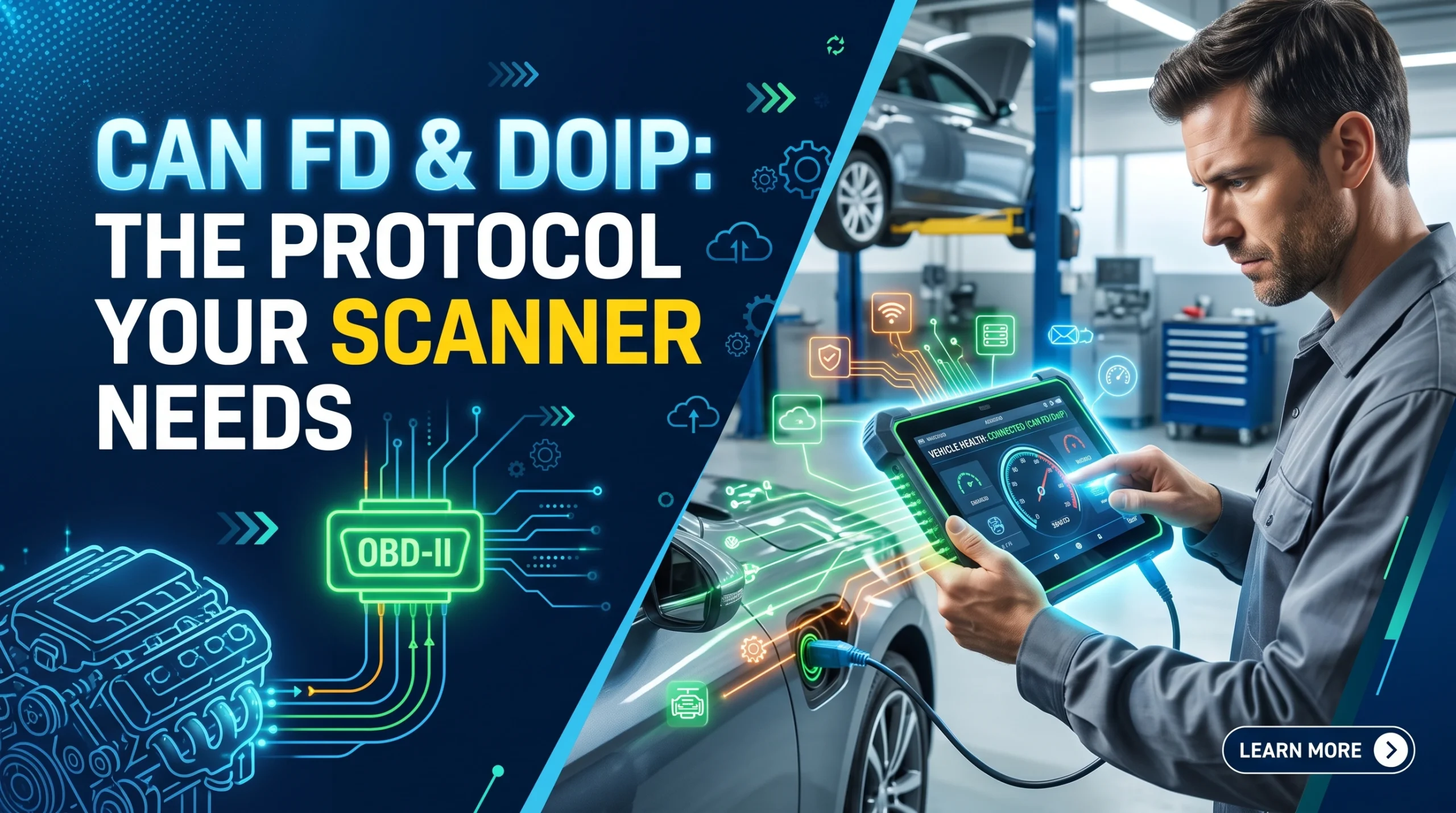
A scanner that physically fits your OBD2 port and even establishes a connection can still fail on a newer car if it does not support the right underlying protocol. Classic CAN has been the default OBD2 communication layer for most of the standard's history, but a growing number of recent vehicles, including many GM models from 2020 onward, along with some Volvo, BMW and Stellantis vehicles, have moved partly or fully to newer protocols called CAN FD and DoIP. A scanner built only for classic CAN can plug in, appear to connect, and then return incomplete or zero data, because the mismatch is in the hardware itself, not something a firmware update can fix.
Why this is a real compatibility question, not just a spec-sheet detail
It is tempting to assume "OBD2 compliant" settles the compatibility question on its own. It does not, once you get to the transport layer underneath the standard. Confirming your car is OBD2 compliant by model year tells you the car speaks some version of the standard; it does not tell you which underlying wire protocol carries that conversation. OBD2 defines what data looks like and where the port lives; it does not lock in one single wire-level protocol forever. As vehicles have added more electronic complexity (more modules, more sensors, more data volume from things like advanced driver-assist systems), some manufacturers have moved the underlying communication to protocols built for higher bandwidth, and a scanner has to physically support that layer to read anything at all.
What each term actually means
Classic CAN
Controller Area Network is the protocol that has carried most vehicle diagnostic traffic for years. It is reliable and well understood, and the overwhelming majority of scanners on the market, from the cheapest reader to premium tools, support it fully.
CAN FD
CAN FD (Flexible Data-rate) is a newer version of the same underlying protocol, built to move more data, faster, per message. That extra bandwidth matters more on vehicles generating heavier data loads: complex electric and hybrid powertrains, advanced driver-assist systems, and dense sensor networks all benefit from it. The critical detail for buyers: classic CAN transceiver hardware is not forward-compatible with CAN FD. A scanner built around classic CAN silicon cannot be updated by software alone to understand CAN FD frames; the limitation is physical, not something a firmware patch resolves.
DoIP
Diagnostic over Internet Protocol carries diagnostic data over an Ethernet-style network inside the vehicle instead of the traditional CAN bus entirely. It is used on some newer platforms specifically because it can move even larger volumes of diagnostic data than CAN FD, which matters for the most electronics-dense vehicles. A scanner needs specific DoIP support, separate from CAN FD support, to communicate with a vehicle that uses it.
Which vehicles this actually affects
As a general pattern, this becomes relevant mainly on:
- Recent GM vehicles from around model year 2020 onward, which have adopted CAN FD on a number of platforms.
- Select recent Volvo, BMW and Stellantis-group vehicles, where newer architectures have moved toward these faster protocols.
- Vehicles with heavy electronic content generally: EVs, hybrids, and models loaded with advanced driver-assist and infotainment systems, where the data volume is the reason manufacturers moved to a faster protocol in the first place.
This is a general pattern across the industry, not a fixed list, and it keeps expanding as more platforms are redesigned. If you drive a recent vehicle from any of these makers, or a newer EV or hybrid generally, it is worth confirming protocol support directly rather than assuming a scanner built even two or three years ago has kept up. Vehicle coverage varies by brand for other reasons too, which our BMW-specific scanner guide covers from the buyer's side.
What actually happens if your scanner does not support the protocol
The failure mode is the confusing part. A scanner without CAN FD or DoIP support does not simply refuse to plug in or display an obvious error. It can:
- Establish a connection but return no codes, even when the vehicle has stored faults.
- Show partial data, reading some modules successfully (often the ones still on classic CAN) while returning nothing from modules that have moved to the newer protocol.
- Time out or freeze attempting to read a module it cannot actually speak to.
None of these failure states clearly says "wrong protocol." They look like a bad connection, a dead battery, or a broken scanner, which is why this compatibility gap causes so much confusion among buyers who assume "it plugged in fine" means "it works."
How to check before you buy
- Look for explicit CAN FD and DoIP support listed in the product specifications, not just "OBD2 compatible" or "works with all cars," which describes only the base standard.
- Confirm against your specific model year, since a manufacturer's move to these protocols usually happens platform by platform, not across an entire brand at once.
- Favor a tool with an active update path. Vehicle coverage and protocol support both expand over time as manufacturers document new platforms, and a tool that stops receiving updates will fall behind regardless of what it supported on release day.
If your vehicle is not among the newer, electronics-heavy models discussed here, none of this changes what you should look for in a first scanner; the beginner scanner criteria still apply unchanged. Protocol support only becomes a deciding factor once your vehicle is recent enough to be affected, and the basics of reading and understanding a code are the same regardless of which protocol carried it.
FAQ
What is the difference between CAN and CAN FD?
CAN FD is a newer version of the CAN protocol built to carry more data per message at a higher rate. It is not backward-incompatible in the sense of being a totally different system, but classic CAN hardware cannot process CAN FD frames, so a scanner needs specific CAN FD support rather than assuming general "CAN compatibility" covers it.
Does my scanner need DoIP if my car is a few years old?
Not necessarily. DoIP is used on specific newer platforms, generally the most electronics-dense ones. Most vehicles still communicate over classic CAN or CAN FD. Check your specific model year and manufacturer rather than assuming DoIP applies broadly.
Can a firmware update add CAN FD support to an older scanner?
No, not if the scanner's hardware was built around classic CAN silicon. The limitation is physical: the transceiver chip cannot process CAN FD frames regardless of software changes. Only scanners built with CAN FD-capable hardware from the start can support it.
How do I know if my scanner supports CAN FD or DoIP?
Check the product's listed specifications directly for those terms by name. "OBD2 compatible" alone does not confirm support for either protocol; you are looking for an explicit statement that the tool supports CAN FD and, separately, DoIP if your vehicle uses it.
Why would a scanner connect to my car but show no codes?
This is the classic symptom of a protocol mismatch on a newer vehicle. The scanner establishes a basic connection but cannot fully communicate with modules running on a protocol it was not built to support, so it returns nothing useful even though the connection appears to succeed.
AutoGearZone does not sell scanners and earns no commission from any brand or tool named here. More on that approach on our about page.