
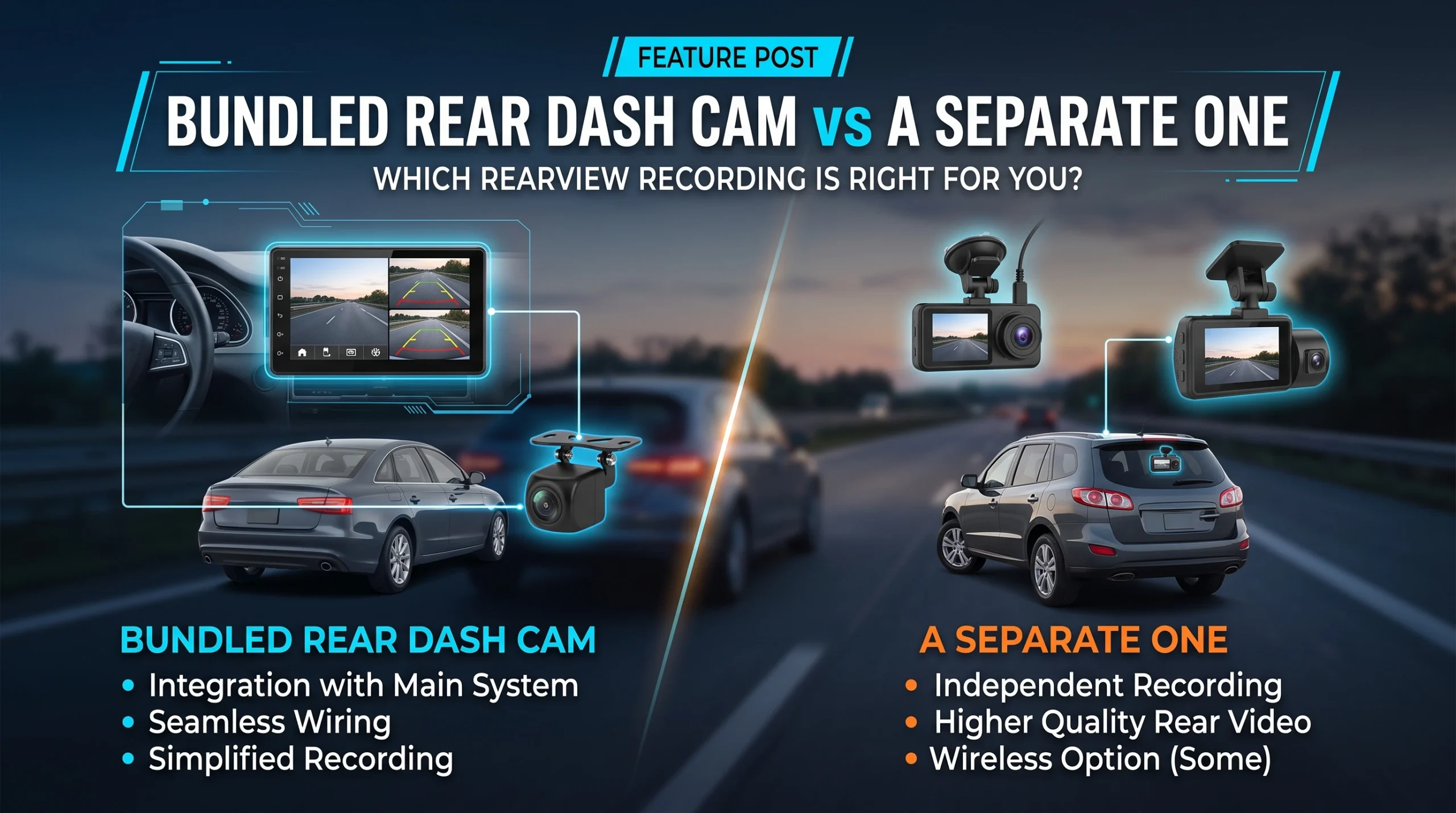
Three routes exist. Buy a two-channel system at the start, which is cleanest and cheapest overall. Buy a camera that accepts the maker's rear module later, which keeps the door open at the cost of being locked to that maker. Or fit a second, entirely independent camera at the back, which nobody recommends because nobody profits from it and which is frequently the most sensible retrofit.
Route one: bundled at purchase
One camera, two lenses, one wire between them, one set of files, one app, one clock.
This is the best outcome if you know now that you want rear coverage. Everything is designed to work together, the footage from both channels is synchronised, and the installation happens once. It is also usually the cheapest way to get two channels once you count the cable run rather than only the hardware, which is the point we make in front-only, dual-channel or three-channel.
The thing to check is what the rear channel actually is. On most bundles the rear unit is a smaller, lower-specification module than the front, and the headline resolution in the listing frequently describes the front alone. That is a reasonable design decision, since the front does most of the evidential work, but you should know which number you are reading. Reading these listings properly is covered in how to read a dash cam spec sheet.
Route two: the manufacturer's add-on channel later
Some cameras ship with a port for a rear module you can buy afterwards. This is genuinely useful if you are unsure, and it is worth paying a little for the option.
The costs are real though. You are committed to that manufacturer's module, at that manufacturer's price, for as long as they keep selling it, and rear modules are discontinued more readily than the cameras they belong to. You are also doing the installation twice, because adding the second channel usually means taking the front unit down to connect it. And the module you buy in two years will be the module they designed three years ago.
Before relying on this route, check three things: that the port exists and is not a firmware promise, that a compatible module is currently sold, and that the maker has a record of keeping accessories available for previous generations.
Route three: a second independent camera
Two separate cameras, one facing forward and one facing back, each with its own power, card and files. It is the option nobody in the industry suggests, and it deserves more consideration than it gets.
What it gives you. No cable running the length of the car, which is the expensive and fiddly part of a rear install. A rear camera chosen on its own merits rather than accepted as a bundled module. Independent failure, so a problem with one does not cost you the other. And a straightforward retrofit for a car that already has a front camera you are happy with.
What it costs you. Two apps, two clocks that will not agree exactly unless both have GPS, two cards to maintain, two power arrangements, and two devices to remember. Correlating footage from two cameras after an incident is more work than opening one synchronised file.
Where it makes most sense. Retrofitting a car that already has a front camera; vehicles where a cable run is genuinely awkward, including some vans and larger vehicles as covered in dash cams for vans, trucks and RVs; and any situation where the bundled rear module on offer is noticeably worse than what you could buy standalone.
The questions to ask before you commit
- Do I want rear coverage at all? Answer this first, before choosing a route.
- If I might, does this camera accept a rear module, and is that module actually on sale today?
- What is the rear channel's own specification, separately from the headline figure?
- How does the camera behave in dual-channel mode? Some front channels do not perform identically when a second stream is being processed.
- Where will the cable run, and who is running it? If the answer is a workshop, the labour is part of the price of routes one and two, and route three avoids most of it.
- Do I want one set of files or two? This is the real daily difference between the integrated routes and the independent one.
For where rear coverage sits among the decisions that actually determine whether your camera is working when you need it, see the dash cam buying guide.
FAQ
Can I add a rear camera to my dash cam later?
Only if the camera was designed to accept one and a compatible module is still sold. Otherwise the practical route is a second independent camera at the back.
Is a bundled rear camera as good as the front one?
Usually not. On most two-channel systems the rear unit is a smaller, lower-specification module, and the advertised headline resolution often describes the front channel only.
Are two separate dash cams better than a two-channel system?
Better for flexibility, independence and retrofit simplicity. Worse for convenience, since you end up with two apps, two cards and two clocks, and correlating footage takes more work.
Do I need to run a cable to the back of the car?
For a two-channel system, yes, and that cable run is the main cost and effort of rear coverage. A second independent camera powered near the rear avoids it.
Will a rear dash cam record while parked?
Only if it is powered while the car is off, which is a power and installation question rather than a camera one, and it applies equally to bundled and independent rear cameras.
AutoGearZone does not sell dash cams and earns no commission from any brand or model named here. More on how we work on our about page.