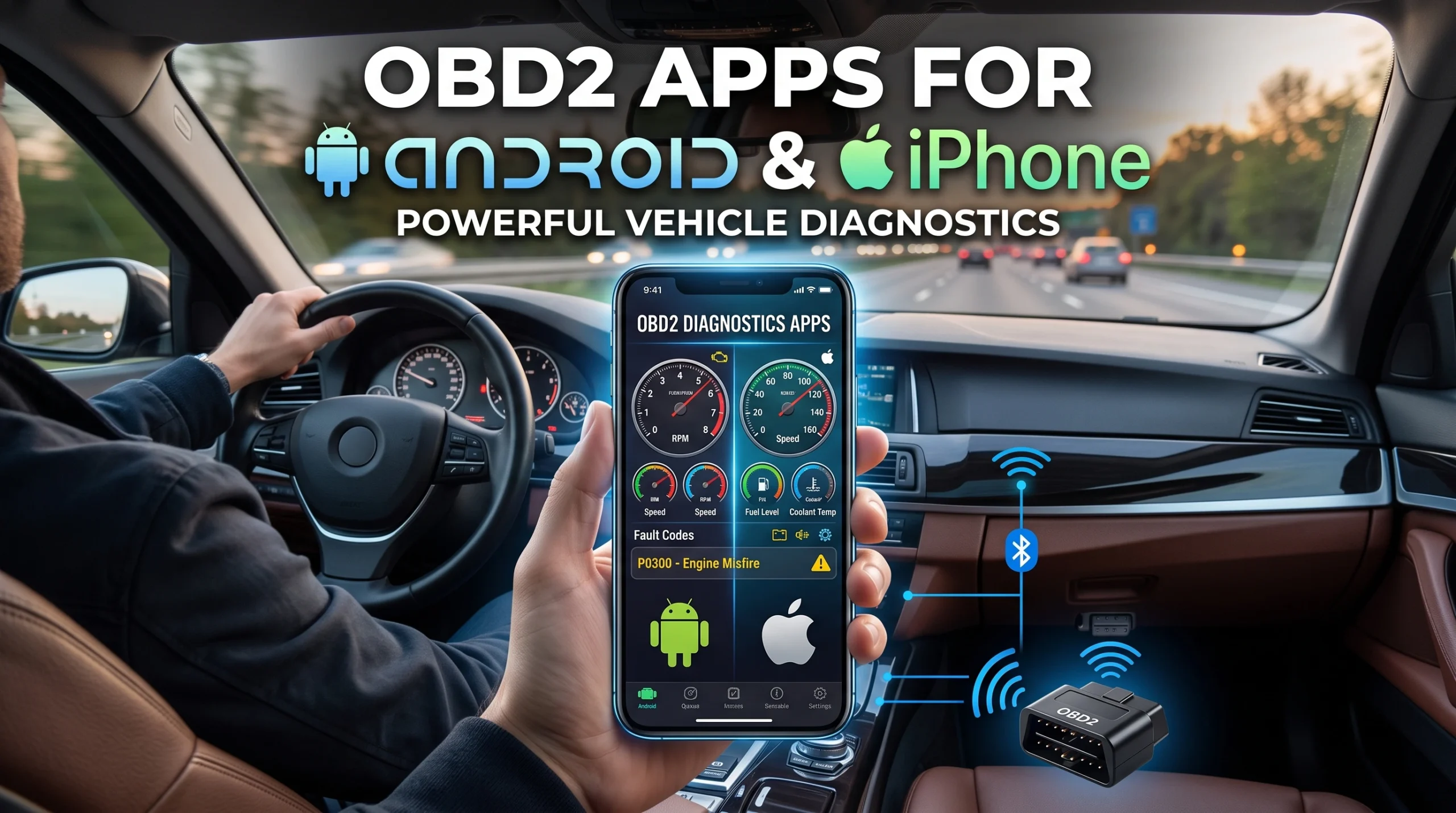
For reading a check engine light, logging live data and doing it cheaply, a phone plus an adapter is a genuinely good answer and often a better one than a budget handheld. For working in a cold car park, for reliability under pressure, and for anything that needs to just work without a pairing dance, a dedicated tool still wins. This page is about that trade, not about which app is currently at the top of a list.
A note on what this page is. We have not run every app named in this category through a season of use, and we are not going to imply otherwise. What follows is a comparison of documented capabilities and how this class of product is built, not a hands-on test ranking. Where we say something is generally true, we mean generally, and your own adapter and phone are the only combination that matters to you.
The split nobody explains: the adapter is not the app
This is the single most useful thing to understand before buying anything, and most listings actively blur it.
The adapter is the piece of hardware that plugs into the OBD2 port. Its job is to talk to the car's networks and relay that conversation over Bluetooth, Wi-Fi or a cable. Its quality determines what protocols it can handle, how reliably it connects, and how fast data comes back.
The app is software on your phone. Its job is to request data, translate codes into readable descriptions, draw graphs and store sessions. Its quality determines what you can see and how usable it is.
They are bought separately, they are made by different companies, and they do not all work with each other. A very good app paired with a poor adapter is a poor experience, and the reverse is equally true. Buying an adapter without first checking which apps support it is the most common way people end up with a drawer ornament. Some makers sell a matched pair and lock the app to their own hardware, which removes the compatibility problem and removes your choice with it.
What the phone route genuinely gives you
- A far better screen than any handheld at the price. Graphing live data is where this shows most clearly, and it is a real advantage rather than a cosmetic one. The values worth graphing are covered in the ten live PIDs worth watching.
- Logging and review. Recording a session and scrubbing back through it later, parked, is safer and more useful than watching numbers while driving.
- Low entry cost for the hardware. The adapter is small and cheap relative to a screened tool.
- Updates that arrive on their own. App improvements come through the store rather than through a firmware procedure involving a laptop.
- It fits in the glovebox and it is always with you, which is the underrated one. The best tool is the one that is in the car when the light comes on.
What it costs you
- A dependency chain with three links. Car, adapter, phone, plus the pairing between them. Each link is a place for it to fail, and it tends to fail on the day you need it.
- Battery and pairing friction. Your phone is also doing everything else it does. Handheld tools take power from the car and have no notifications.
- Cold and heat. Phones throttle and shut down at temperature extremes, which is not theoretical in a Nordic winter or a desert summer. A dedicated tool with a simple display generally tolerates more, and the tool-in-the-cold question is covered in using a scanner in the cold.
- Subscription creep. Free tiers usually read generic codes; depth of live data and manufacturer-specific definitions are commonly where the paid tier sits. That structure is worth understanding before you buy and we lay it out in what scanner subscriptions actually cover.
- A left-plugged-in adapter is its own risk. Some draw current continuously. That is a real consideration and it has its own page in can an OBD2 scanner drain your battery.
The broader handheld-versus-dongle decision, including who each format actually suits, is in Bluetooth dongle or handheld scanner.
The iPhone and Android difference that actually matters
It is not about which platform has better apps. It is about how the adapter connects.
Classic Bluetooth adapters have historically been an Android-friendly route and are frequently not usable with iPhones, which is why a great many cheap adapters are described as Android-only. Adapters using Bluetooth Low Energy or Wi-Fi are the usual iPhone-compatible route. If you use an iPhone, checking the connection type before buying matters more than checking the app.
Wi-Fi adapters bring their own quirk: your phone joins the adapter's network, which on many phones means losing mobile data while connected. Which connection type suits you is worth deciding deliberately, and we compare them in Wi-Fi, Bluetooth or USB.
How to choose without relying on a list that will be stale
App rankings age badly. Apps change tiers, change owners and change behavior between releases, and any ranked list, ours included if we published one, would be misleading within a couple of update cycles. So instead:
- Pick the app first, then buy an adapter it lists as supported. Not the other way round.
- Check the app's own compatibility page, not the adapter listing's claims about apps.
- Try the free tier on your car before paying for anything. Whether your specific vehicle exposes the values you want is not knowable from a store page.
- Check what the paid tier adds for your make, since manufacturer-specific depth is often the actual differentiator and is often brand-limited.
- If you want a tool that works with no phone, no pairing and no account, the phone route is the wrong route and that is a legitimate conclusion. The criteria for a first dedicated tool are in choosing a beginner scanner.
FAQ
Can a phone app replace a dedicated OBD2 scanner?
For reading and clearing generic codes and for viewing live data, usually yes. For reliability without pairing, for use in temperature extremes, and for deep manufacturer-specific functions, a dedicated tool is generally the better answer.
Do OBD2 apps work on iPhone?
Yes, but the adapter has to use a connection type iOS supports, typically Bluetooth Low Energy or Wi-Fi. Many inexpensive classic Bluetooth adapters are Android-only, which is a hardware limitation rather than an app one.
Are free OBD2 apps good enough?
For reading and clearing generic emissions codes, often yes, since that layer is defined by the standard. Paid tiers typically add live data depth, manufacturer-specific code definitions and logging features.
Does the app or the adapter determine what I can see?
Both, in different ways. The adapter determines which protocols can be reached and how reliably. The app determines how much of what comes back is translated, displayed and recorded. A weak link in either place limits the whole chain.
Can I leave the adapter plugged in all the time?
Some are designed for it and some are not, and a few draw meaningful current when the car is off. Check what your specific adapter's documentation says, and see our page on scanner battery drain before making it permanent.
AutoGearZone does not sell scanners or adapters and earns no commission from any brand or app named here. More on how we work on our about page.